Feel Your
Mac Experience
Unlock the hidden haptic potential of your Logitech MX Master 4.
System notifications and web interactions — now tangible.
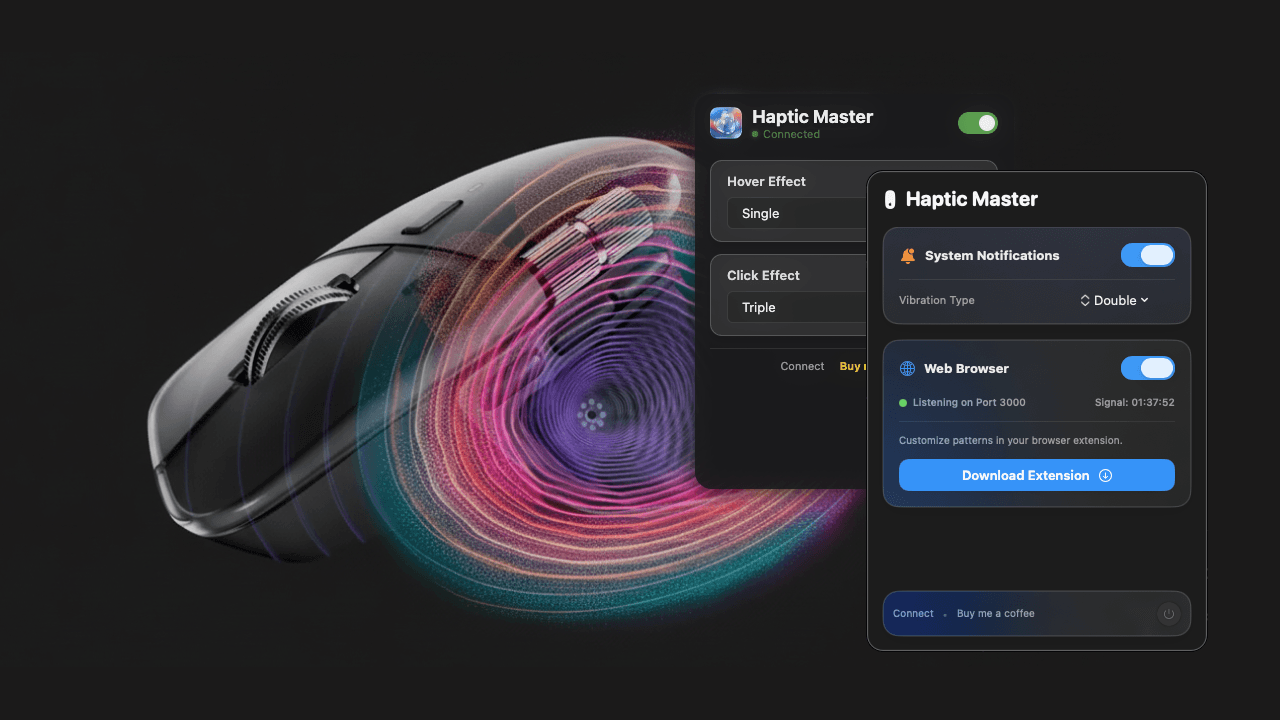
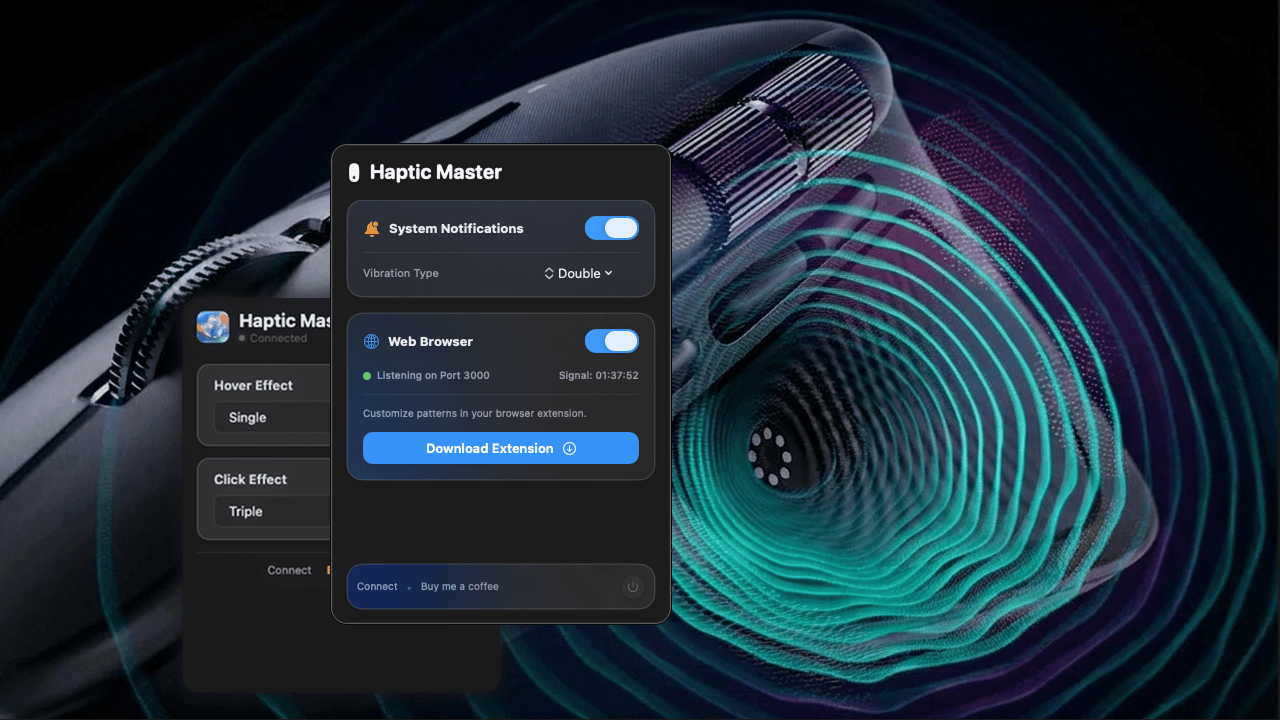
Feel Every Moment
A complete haptic engine for your macOS workflow. Designed to be felt, not just seen.
System Haptics
Feel a heartbeat when you get a notification. Never miss an important alert again.
Web Immersion
Hover effects and click feedback on the web.
Privacy First
Runs locally. No data leaves your Mac.
Fully Customizable
Choose from Pulse, Heartbeat, Gallop, and more. Tune intensity to your liking.
Instant Response
Zero latency feedback via native macOS APIs.
Smart Triggers
Configure per-app haptic patterns easily.
Early Stage Project
Not notarized by Apple yet. You'll see a security warning, but the app is open source and safe.
Installation Guide
Follow these steps to unlock tactile bliss.
Download the Haptic Master ZIP file from the official GitHub releases page.
- Unzip the file.
- You will see Haptic Master.app.
- Drag Haptic Master.app into your Applications folder.
Seamless Troubleshooting
Common fixes for common hiccups.
Mouse not vibrating
- •Confirm Logitech Options Plus is running
- •Check Smart Action shortcut matches exactly
- •Ensure Accessibility permission is enabled
Chrome extension not working
- •Ensure Developer Mode is enabled
- •Reload the extension
- •Restart Chrome
App will not open
- •Use right click open method
- •Check Privacy and Security settings
Join the Journey
Help shape the future of Haptic Master.
Support the Project
If you enjoy Haptic Master, consider buying me a coffee to keep the development fueled.
Explore the Source
Check out the code, report issues, or contribute to the project on GitHub.
Connect with Dev
Visit my personal website to see my other projects and get in touch.